Apple?Intelligence and Siri
Introducing Siri AI.
Truly helpful. Truly?yours.
New Apple?Intelligence features coming this fall.
Siri?AI?coming in?English later this year.


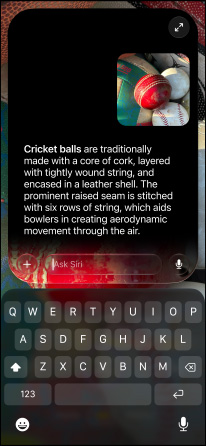



Introducing the next generation of?Apple?Intelligence and Siri. Truly helpful AI?that’s centered around you and your needs. Integrated into your apps, grounded in?your context, and private at?every step. Coming later this year.
-
New Siri?AI. An?even more capable AI?assistant with expanded intelligence to?be?more helpful every day.1


-
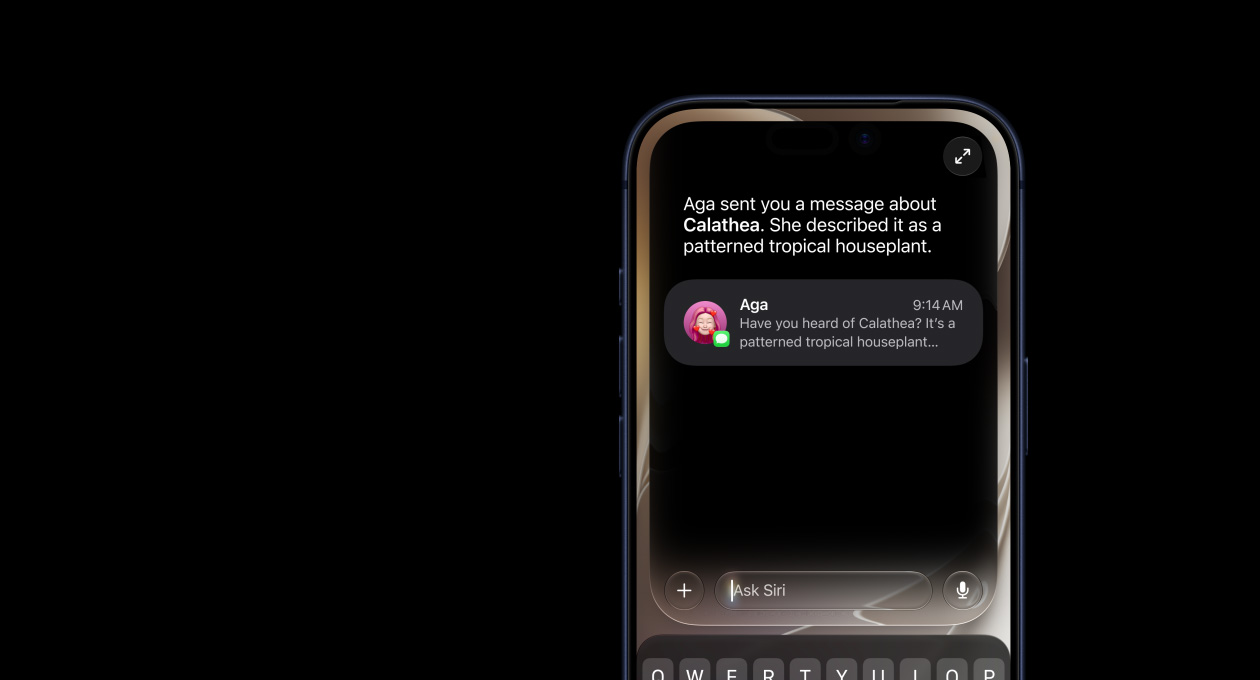
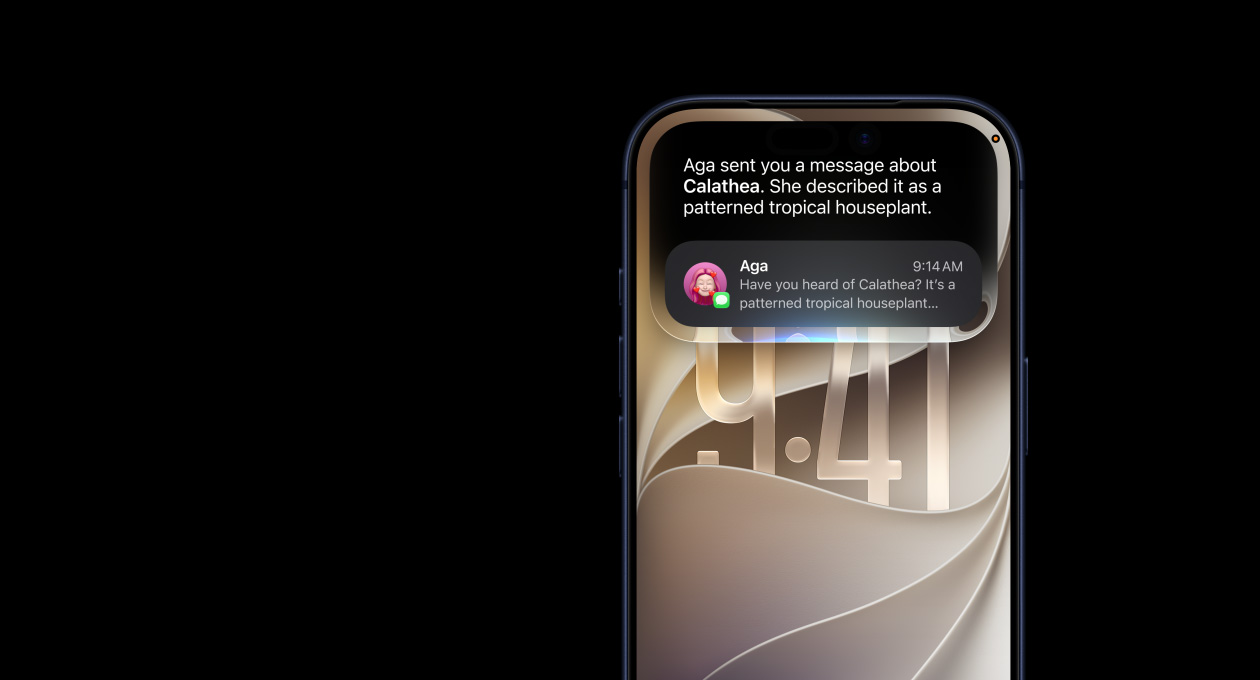
Type or?talk naturally with Siri?AI?to?find what you need and get more done.
Available in English later this year.
-
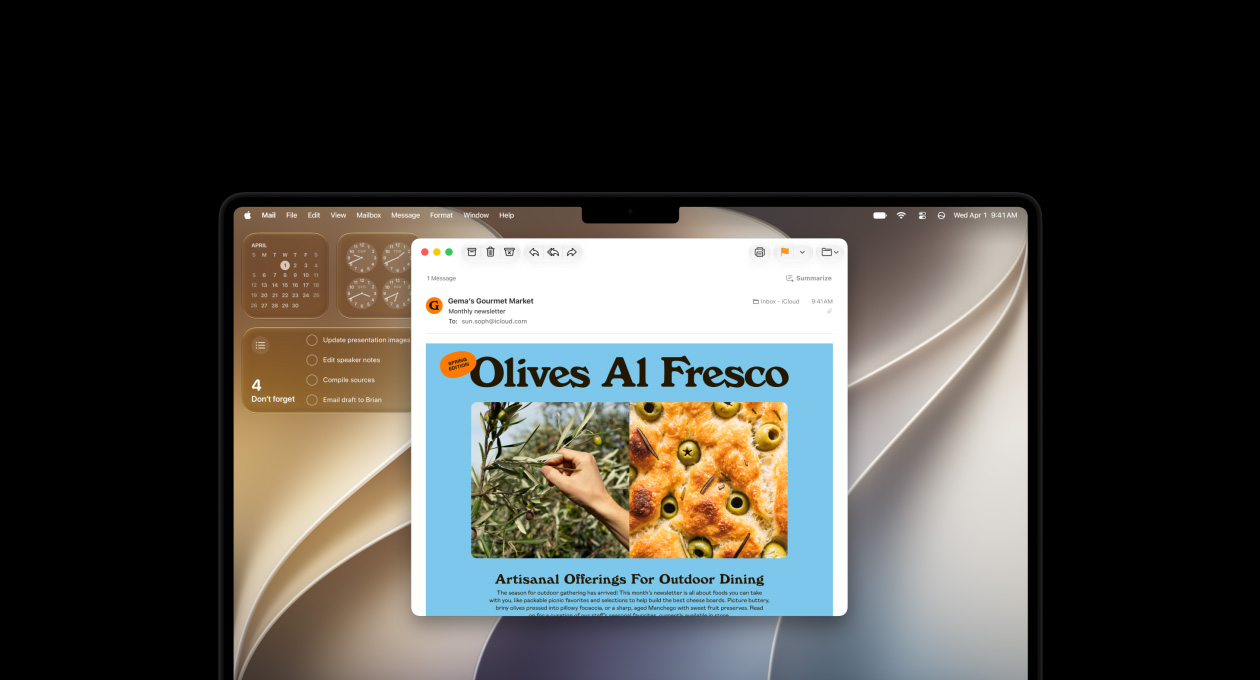
Next-generation Apple?Intelligence enhances the apps you use most — like Photos, Messages, and Safari.2

-
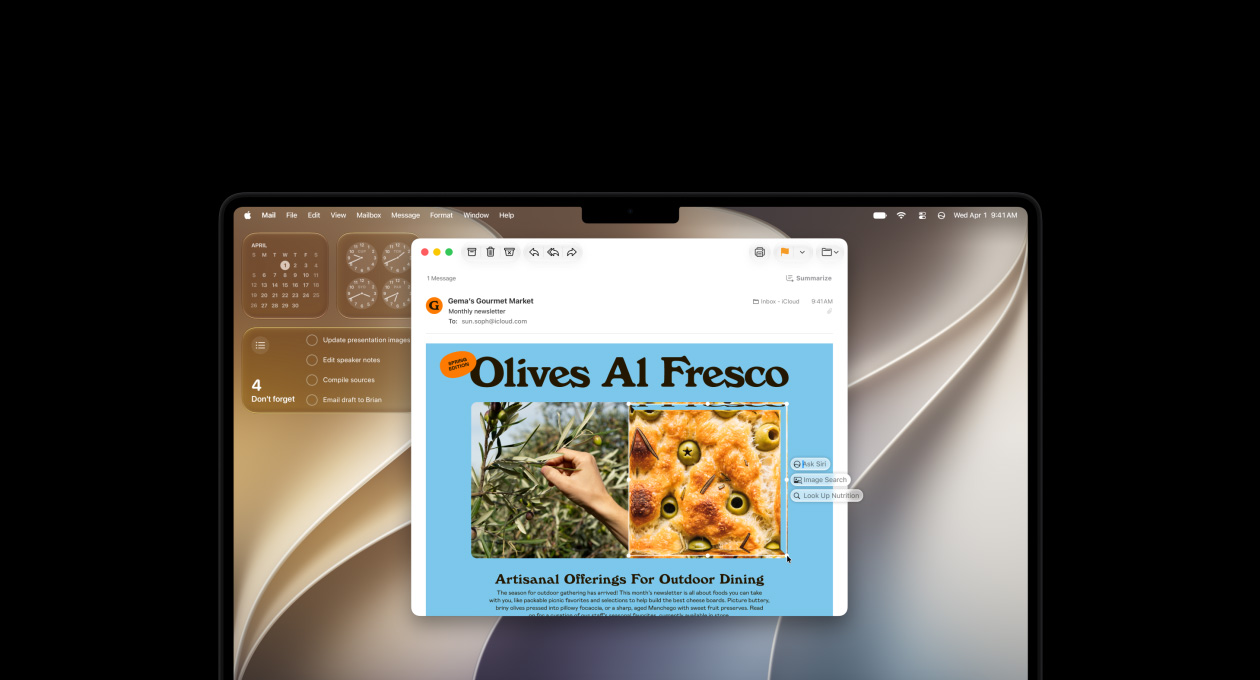
Search and take action with Visual Intelligence, now on even more devices — iPad and Mac.
-
Transform your photos with easy-to-use AI?editing tools like Spatial?Reframing, Extend, and Clean?Up.


-
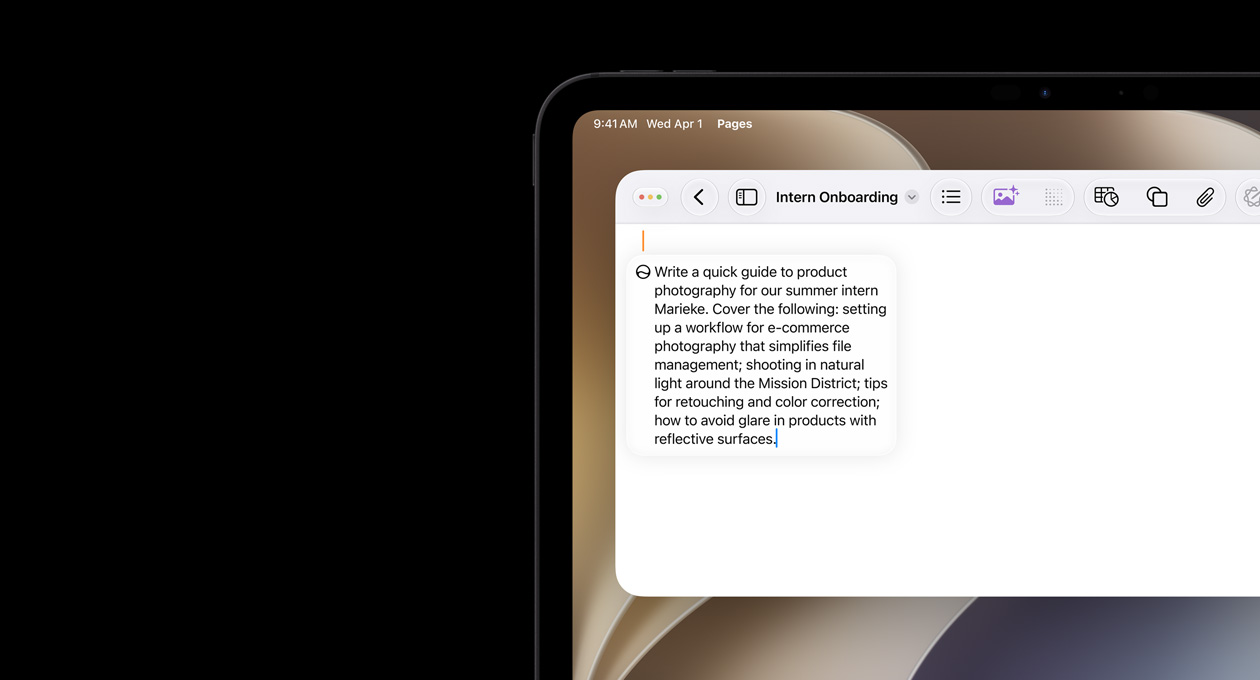
Write with Siri virtually anywhere you type — compose, edit, and send messages.
Available in English later this year.
-
Just ask Siri.
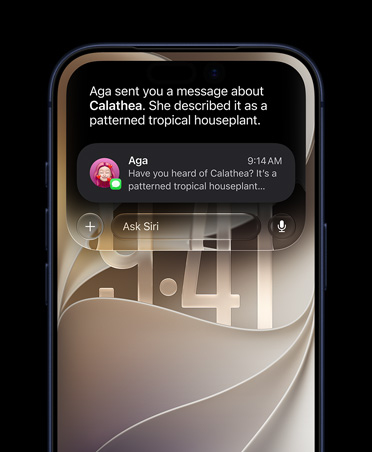
Powered by?Apple?Intelligence, Siri?AI?is?your conversational AI?assistant with entirely new capabilities. Ask open-ended questions, brainstorm ideas for work or?creative projects, and engage in?natural, back-and-forth conversations.
-
Siri understands your personal context.
Siri?AI?can find relevant answers to?what you’re looking for just by?asking. Search for a?photo from years ago, easily locate an?email buried in?your inbox, or?pull up?the details from a?note you saved.

-
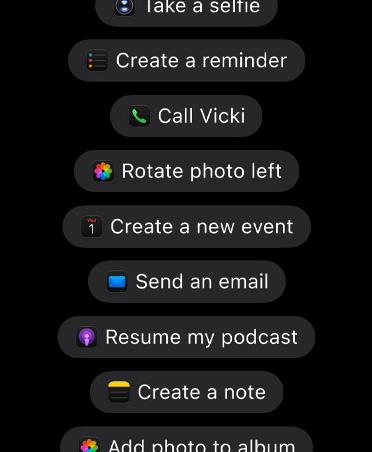
Take action in?more apps.
Siri?AI?can take actions in?apps like Messages, Music, Reminders, and more based on?what you’re doing in?the moment. Quickly edit a?message you just sent or?add a?song you hear in?the car to?your workout playlist.
-
Tap into broad world knowledge.
Ask about virtually any topic that’s on?your mind, from important facts to?recipes and travel recommendations. Siri?AI?can reference information online to?give you detailed, up-to-date insights.

-
Introducing the Siri app.
A?dedicated app brings together all your conversations in?one place, so?you can ask a?question on?your iPhone and pick up?where you left off on?your iPad. You can also pin conversations for easy access or?start a?new one.


-
Customize how Siri sounds.
Pick a?voice, then customize expressivity and pace until it?clicks for you.4

-
Siri?AI?in?CarPlay.
On?the road, ask Siri which trailhead your friend suggested and get the answer instantly. Siri?in?CarPlay keeps you informed without taking your hands off the wheel.5

-
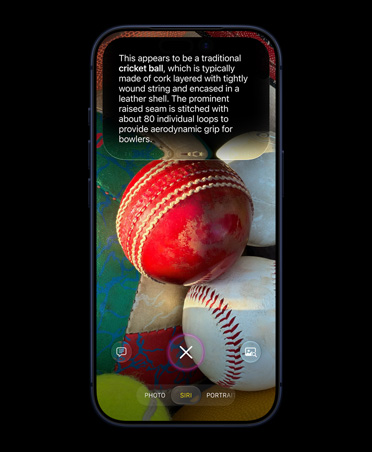
Siri?mode in?Camera.
Siri?mode and Visual?Intelligence let you search, ask questions, and take action based on?what’s around you with just a?tap.
Coming in English
-
New smart actions.
Visual Intelligence makes it easy to get nutritional information on a dish in front of you, quickly import a card to Apple Wallet, and more.
Coming in English

-
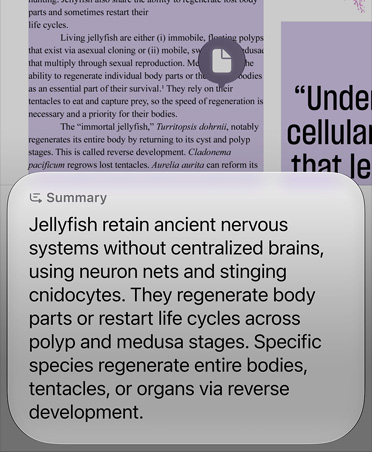
Ask Siri about what’s in?front of?you.
Get information, take action, and search visually using the content on?your screen.
Coming in English
-
Visual?Intelligence with Siri on?Mac.
Take a?screenshot of?what’s on?your display, like an?image or?a?PDF, and Visual?Intelligence lets you search and take action.
Coming in English

-
Visual?Intelligence with Siri on?iPad.
Ask Siri?AI?about virtually anything on?your display with a?screenshot. Just tap the item with your finger or?circle it?with Apple?Pencil to?find out more.
Coming in English

-
Next-level intelligent photo editing.
Reframe a?photo after it’s been taken with Spatial?Reframing. Expand your shots with the Extend tool. And remove even larger objects with the enhanced Clean?Up?tool.
Available in select languages

-
Reframe your photo even after it’s taken.
Move the viewpoint, adjust the angle, or?zoom in?as?if?you were repositioning the camera in?the moment with Spatial?Reframing.
Available in select languages

-
Express more with Image?Playground.
Create unique, high-quality images in?just about any style, including photorealistic. Modify and transform your images with just a?description or?using touch for endless possibilities.

Available in select languages
-
Image?Wand.
Transform rough sketches into images in?virtually any style right in?Notes.

Available in select languages
-
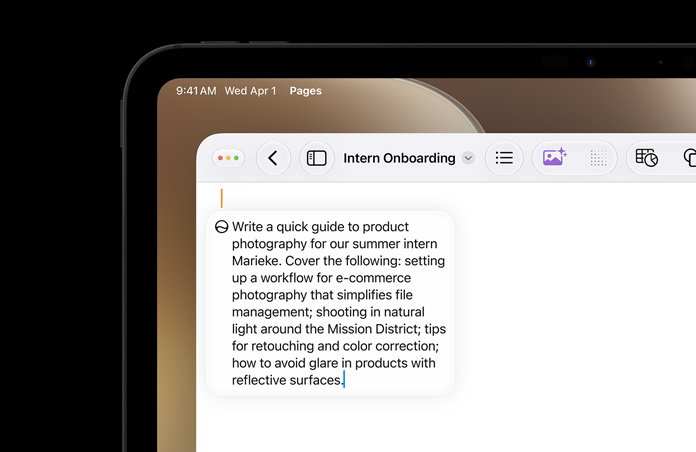
Write with Siri virtually anywhere you type.
Siri?AI?can now generate a?draft from scratch or?provide feedback on?what you’ve written. Just describe what you need in?your own words. And in?Messages and Mail, Siri?AI?can match your writing style, punctuation, and tone.
Available in English later this year.
-
Get things done with Suggestions.
Messages and Mail offer suggestions to?help you take quick actions based on?context from your conversation — add a?calendar event or?search for a?photo with just a?tap.

Coming in?English
-
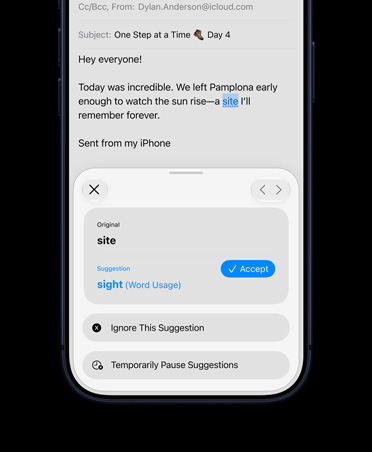
Proofread as?you type.
Apple?Intelligence automatically checks your grammar and spelling and offers suggestions virtually anywhere you type.
Coming in?English
-
Get relevant information while on?a?call.
Call?Context can proactively surface relevant information from across apps when you’re calling a?business — like a?confirmation code from Mail when you call an?airline.

Coming in?English
-
Communicate across languages.
Turn on Live Translation to automatically translate texts in Messages, display live translated captions in FaceTime, and get spoken translations for calls in the Phone app and conversations on your AirPods.

Available in select languages
-
Safari works smarter for you.
Now your tabs can be?automatically grouped into topics, so?related pages are easier to?find. Safari?Notify?Me?monitors pages for changes — for example, a?price change or?restock — and alerts you when it’s time to?act. And you can create an?extension that personalizes website content and formatting or?automates common Safari actions.

Available in select languages
-
Fix passwords with a?tap.
The Passwords?app alerts you to?weak or?compromised passwords and can update them on?your behalf without the hassle.

Available in select languages
-
Describe a?shortcut.
Automate daily tasks with a?simple description. Just describe what you need, and Shortcuts creates an?automation that connects actions across apps.

Available in select languages
-
Improved accuracy in?Dictation.
A?powerful new on-device model allows Dictation to?understand you even better as?you speak.6

Coming in?English
-
Describe a?calendar event.
Add and edit events on?your calendar with just a?description. Change a?lunch meeting to?a?coffee chat and the Calendar?app will adjust the details.

Available in select languages
Apple Intelligence and Siri AI features And so?much more.

Accessibility.
VoiceOver describes your physical surroundings and onscreen content in?richer detail. Magnifier zooms in?so?you can ask about what’s in?frame. Accessibility?Reader cleans up?text for easier reading. Voice?Control is?more flexible so?you can interact with apps in?your own words with less to?memorize.
Available in select languages


Genmoji.
Create high-quality Genmoji to?match the moment.

Workout?Buddy.
Get deeper insights and more data-rich motivation with enhancements in?Workout?Buddy. Train even without your iPhone nearby. And Workout?Buddy is?now available in?Spanish.10

Great powers come with great privacy.
Apple?Intelligence is?designed to?protect your privacy at?every step. It’s integrated into the core of?your iPhone, iPad, and Mac through on-device processing. So?it’s aware of?your personal information without collecting your personal information. And with groundbreaking Private?Cloud?Compute, Apple?Intelligence can draw on?larger server-based models, running on?Apple?silicon, to?handle more complex requests for you while protecting your privacy.
Private?Cloud?Compute
- Your data is?never stored
- Used only for your requests
- Verifiable privacy promise
-
iPhone 17 Pro

Innovative design for ultimate
performance and battery?life. -
iPhone Air

The thinnest iPhone ever.
With the power of?pro inside. -
iPhone 17
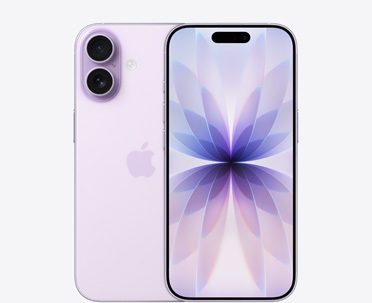
Even more delightful.
Even more durable. -
iPhone 17e

Feature stacked.
Value packed. -
iPhone 16
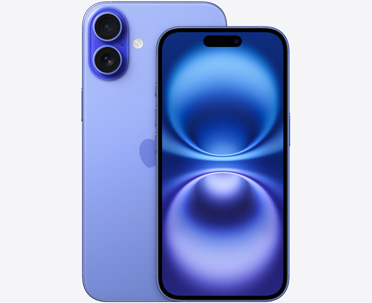
Amazing performance.
Durable design.
-
iPad Pro

The ultimate iPad experience with the most advanced technology.
-
iPad Air

Serious performance in?a
thin and light design. -
iPad mini

The full iPad experience in
an?ultraportable design.
-
MacBook Neo A18?Pro chip

The magic of?Mac at?a?surprising?price.
-
MacBook Air 13” and 15” M5?chip

Thin. Fast. Powerful and?portable.
-
MacBook Pro 14” and 16” M5, M5?Pro, or?M5?Max?chip

The most advanced Mac laptops for
demanding tasks.
-
iMac M4?chip

An?all?in?one desktop for
creativity and productivity. -
Mac mini M4 or?M4?Pro chip

The mini-est, most
affordable Mac desktop. -
Mac Studio M4?Max or?M3?Ultra chip

Powerful performance and
connectivity for pros.

New possibilities for your favorite apps.
The Foundation Models framework, along with App Intents, APIs, and frameworks, is?built with privacy at?the center. Any app can tap into the on-device models that power Apple?Intelligence, and the features you build work offline. And it’s all at?no?cost per request. App developers can easily integrate features like Siri, Writing?Tools, and Image?Playground.
Learn more about developing for Apple?Intelligence